Cloud Computing for Startups: Benefits & Best Practices
Use cloud systems to stay fast, secure, and cost-efficient from day one. Avoid the common traps that drain startup runway.
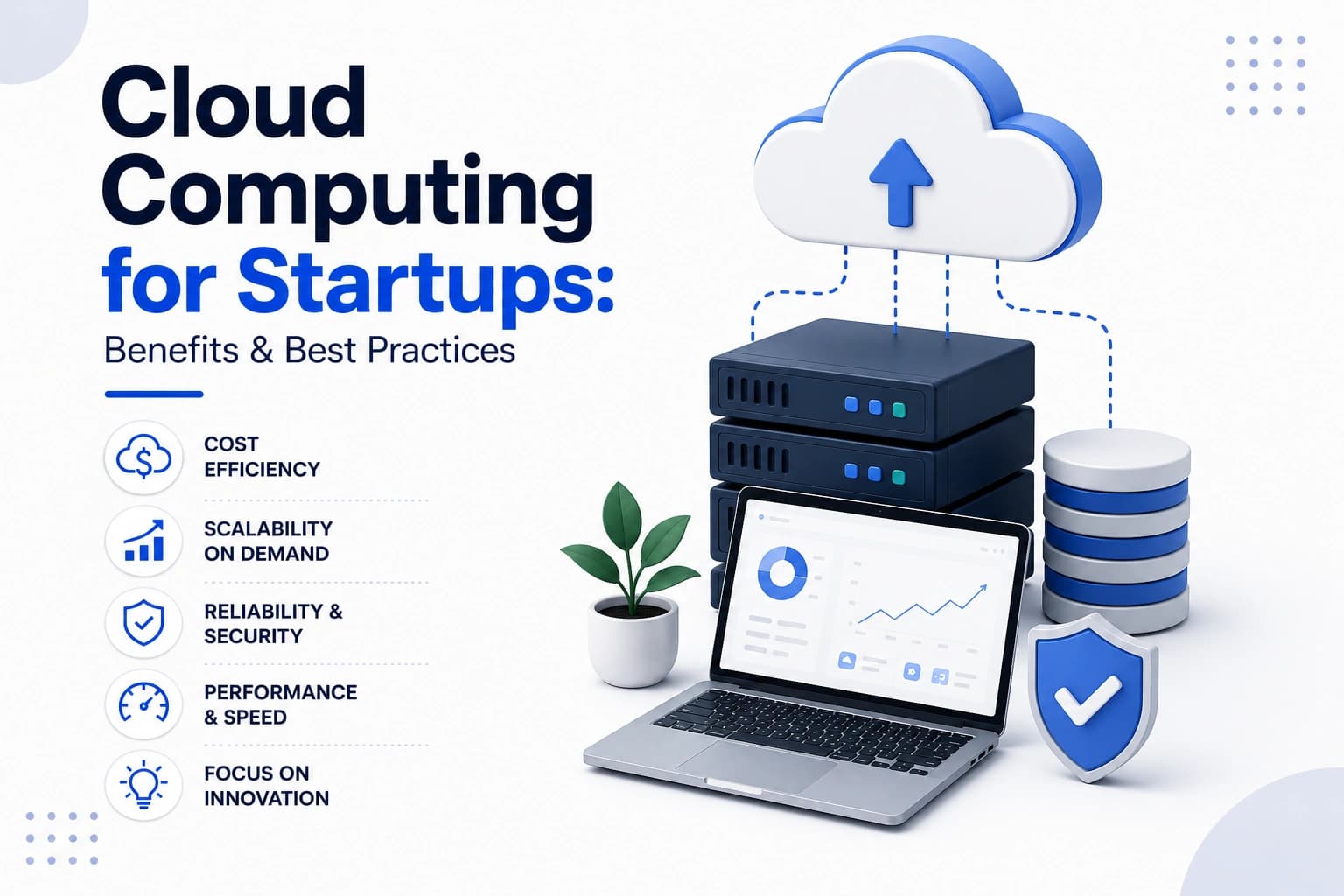
Key takeaway: Cloud computing allows startups to scale globally without massive upfront hardware costs. However, to avoid draining your runway, you must use managed PaaS services initially to save engineering time, set up hard billing alerts immediately, and secure root accounts with MFA. Choose platforms based on startup credits rather than minor technical differences.
Target Audience & Use Case: Essential reading for startup founders, CTOs, and technical leads responsible for setting up infrastructure, managing cloud budgets, and securing user data.
Cloud computing is no longer a luxury; it is the default operating system for modern startups. It allows small teams to leverage the same global infrastructure as tech giants without the massive upfront capital expenditure.
However, the cloud is a double-edged sword. As noted in industry reports on cloud spend, unmanaged cloud resources can quickly become a startup's largest expense, draining runway silently through forgotten instances, unoptimized queries, and excessive data egress fees.
This guide covers how to architect your cloud infrastructure to balance speed, security, and cost. Learn how to select regions, set up basic security guardrails, and avoid the most common billing traps that catch early-stage founders off guard.
Cloud Fundamentals
Managed services
Don't manage servers if you don't have to. Use managed databases, serverless functions, and PaaS to move faster and reduce maintenance overhead.
Cost awareness
Treat cloud costs as an engineering metric, not just a finance problem. Visibility into daily spend is crucial to prevent end-of-month surprises.
Security by default
Implement IAM (Identity and Access Management) policies and MFA from the absolute moment you create your AWS or GCP account.
How to choose regions and services?
Pick a primary region closest to your initial user base to minimize latency and data transfer costs. Don't go multi-region on day one; it triples your complexity without adding value.
Stick to core services (Compute, Database, Storage). Avoid highly niche, proprietary tools that cause intense vendor lock-in early on.
Evaluate startup programs. AWS Activate, Google for Startups, and Azure offer massive credits to extend your runway.
What are the essential security baselines?
Never use the root account for daily operations. Create it, enable MFA, lock away the credentials, and assign permissions via roles, not individual users.
Enable guardrails like AWS CloudTrail or GCP Audit Logs to securely log every API call made in your account.
Audit public access regularly. A publicly accessible S3 bucket is the most common cause of devastating startup data breaches.
How to optimize cloud costs?
Set up billing alerts on day one. You will inevitably leave a database running or misconfigure a loop. A $50 alert can save you from a $5,000 mistake.
Tag your resources. Without resource tags (e.g., Environment: Prod, Feature: Billing), it is impossible to audit which environment is driving up your monthly bill.
Leverage spot instances for non-critical, interruptible background jobs to save up to 80% on compute costs.
How to architect for reliability?
Design for failure. Assume availability zones will go down and architect your application to degrade gracefully.
Use Managed Load Balancers to distribute traffic across healthy instances, and set up auto-scaling groups to handle traffic spikes autonomously.
Store uploaded assets in Object Storage (S3/Cloud Storage), not on your web servers' local disks. Compute should remain stateless.
What are the key scaling milestones?
At the MVP stage, a single server or PaaS (like Render/Vercel) is fine. Optimize for shipping speed, not infinite scale.
As you hit Product-Market Fit (PMF), migrate core services to managed infrastructure to handle consistent load.
Use containerization (Docker) to ensure your app runs the exact same way on a developer's laptop as it does in production.
◆ Execution blueprint
Phased plan to architect and secure your cloud environments.
| Phase | Goal | Output | Timeline |
|---|---|---|---|
| Audit | Cost check | Billing alerts | Week 1 |
| Secure | IAM configuration | Security roles | Week 2 |
| Monitor | Setup alarms | Dashboards | Week 3 |
| Optimize | Tagging | Resource tags | Ongoing |
| Scale | Containerization | Docker files | Month 3 |
Reference table
| Service | Equivalents (AWS / GCP / Azure) |
|---|---|
| Compute | EC2 / Compute Engine / VM |
| Object Storage | S3 / Cloud Storage / Blob |
| Relational DB | RDS / Cloud SQL / SQL Database |
| PaaS | Elastic Beanstalk / App Engine / App Service |
| Serverless | Lambda / Cloud Functions / Functions |
Key points
- Managed services save engineering time and reduce burnout.
- Root accounts should be locked away immediately.
- Tagging resources is critical for effective cost audits.
- PaaS is perfectly fine for MVP and early PMF stages.
- Cost optimization is an ongoing engineering task, not a one-off.
- Design for availability zone failures from the beginning.
- Separate your database layer from your compute layer.
- Use CDNs to serve static assets globally and cheaply.
- Implement strict IAM roles and least-privilege policies early.
- Cloud bills scale exponentially with bad architecture.
Action checklist
- Enable MFA on root cloud accounts
- Set a $50/month billing alert
- Create specific IAM roles for developers
- Tag all existing infrastructure components
- Move uploaded assets to object storage (S3)
- Audit public S3 buckets/storage permissions
- Enable API logging (CloudTrail or equivalent)
- Containerize the core application (Docker)
- Set up a CDN for static assets
- Review last month's invoice line by line
Frequently asked questions
Quick answers to what founders usually ask about cloud infrastructure.
Should I use AWS, GCP, or Azure?
Choose the one that gives you the best startup credits. For most early-stage companies, the technical differences are negligible compared to the runway extension of $100k in free credits. If credits are equal, choose the platform your lead engineer is most familiar with.
Choose the one that gives you the best startup credits. For most early-stage companies, the technical differences are negligible compared to the runway extension of $100k in free credits. If credits are equal, choose the platform your lead engineer is most familiar with.
Is PaaS like Heroku/Render enough?
Yes, absolutely. For 95% of startups, a Platform as a Service (PaaS) like Vercel, Render, or Heroku is perfect for the first 1-2 years. It abstracts away DevOps so your team can focus entirely on building the product. Only migrate to raw AWS/GCP when your traffic costs on PaaS become unjustifiable.
When should we adopt Kubernetes?
Much later than you think. Kubernetes is incredibly powerful but adds massive operational overhead. Unless you have a dedicated DevOps engineer and a highly complex microservices architecture handling millions of requests, stick to simpler container orchestration like AWS ECS or Cloud Run.
How do we prevent surprise cloud bills?
Set up hard billing alarms immediately upon account creation. Tag every resource by environment (prod vs. staging), regularly audit idle databases or unattached elastic IPs, and use tools like AWS Cost Explorer to track daily run-rates.
Can MYSTARTUPWAVE manage our cloud?
Yes. We offer fully managed DevOps and cloud architecture services. We help startups secure their infrastructure, optimize their monthly cloud spend, and set up automated CI/CD pipelines so developers can deploy safely and quickly.
Need implementation support?
MYSTARTUPWAVE helps founders and teams ship product, growth, and cloud delivery with clear milestones.