Development & Engineering
Mobile App Development Workshop
Students build a cross-platform mobile app that runs on both Android and iOS from one codebase, and learn how real apps reach the Play Store and App Store.
- Workshop · 2–4 hours
- Bootcamp · 2–5 days
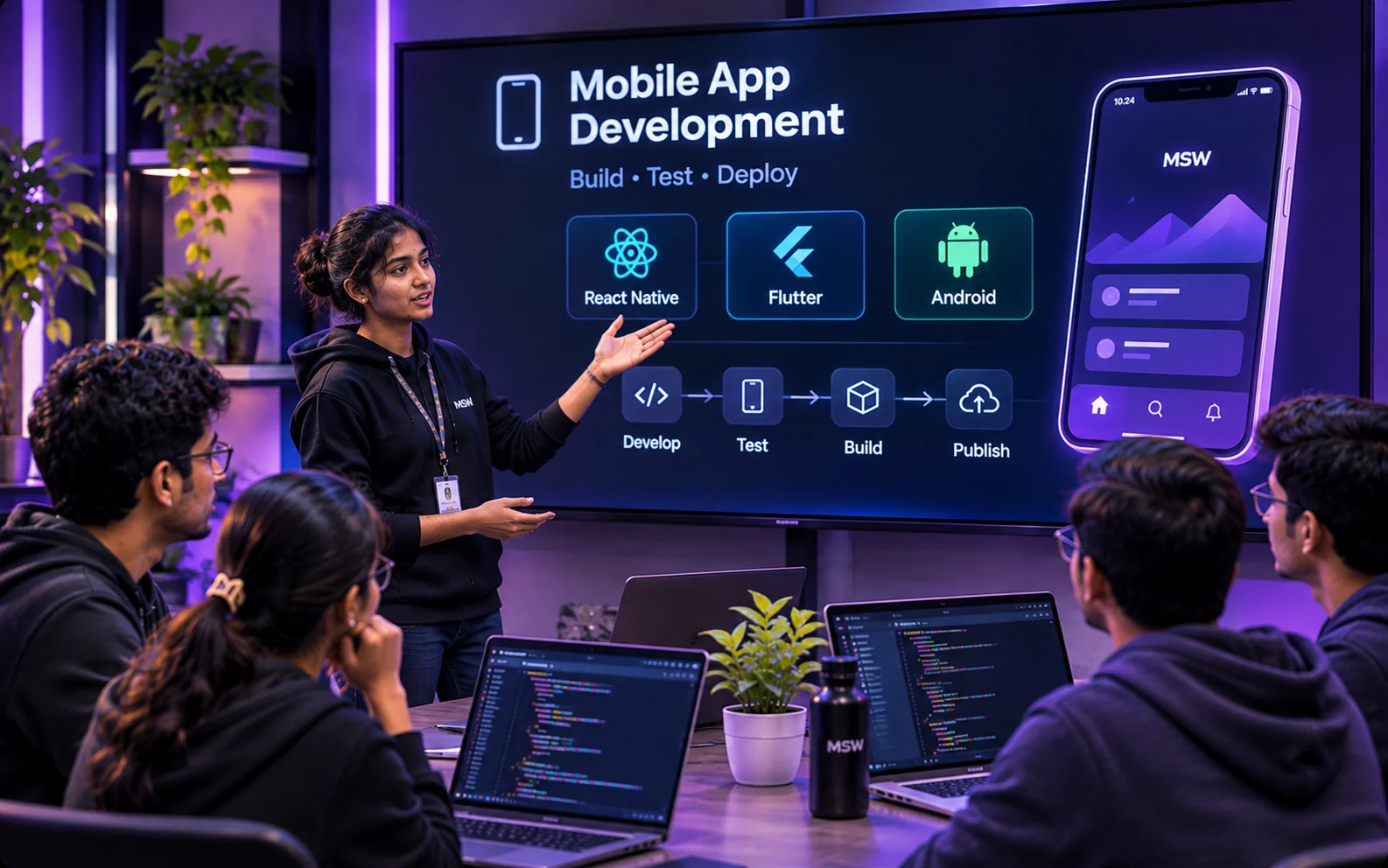
What students will learn
- Build screens and navigation in Flutter or React Native
- Call APIs and show live data
- Handle state and local storage
- Understand the store publishing process
Who it's for
Students with basic programming knowledge (any language).
Before the session
Basic programming; a laptop that can run an Android emulator.
Session outline
- 1
Native vs cross-platform — choosing the right tool
- 2
Widgets/components, layouts and navigation
- 3
Fetching data from an API
- 4
State management and local storage
- 5
Building, testing and publishing
Every session is customised to your students' year, branch and syllabus. Sessions are hands-on, run on your campus, and can be combined with other topics into a bootcamp or placement-training programme.
Bring “Mobile App Development” to your college
Tell us your dates, student count and level — we'll send a plan and quote.
More in Development & Engineering
- Git & GitHub Hands-onVersion control, branches, pull requests and open source.
- Full-Stack Web DevelopmentReact, Next.js, Node.js and databases.
- From Development to ProductionBuild a real project end-to-end and deploy it live.
- APIs & DatabasesREST APIs, SQL and MongoDB the way real teams use them.
- Cloud & DevOps BasicsDocker, CI/CD and deploying on AWS.
- UI/UX Design with FigmaWireframes, prototypes and design thinking.